NuStarPH Login Guide: How to Sign In Safely and Fix Common Issues
Sign in on mobile or desktop, install the web app, and fix OTP, password and locked-account issues fast.
AI-assisted content: drafted with AI tools, then reviewed and fact-checked by George Mann. Last reviewed . Offers and rules can change, so always confirm on the official site.
Most NuStarPH sessions start the same way: open the site, sign in and play. When the login fails, though (an OTP that never arrives, a forgotten password, a locked account), it can ruin your evening. This guide covers the correct way to sign in, how to fix the most common errors and how to keep your account secure. New here? Read our NuStarPH registration guide first.
How to log in to NuStarPH
On mobile (Android or iPhone)
- Open Chrome or Safari and go to the official NuStarPH address, or tap a “Play Now” button on this guide.
- Tap Login in the header.
- Enter your registered mobile number or username and your password.
- If prompted, enter the OTP sent by SMS.
- Check that your balance and name are shown correctly before you play.
On desktop or laptop
The process is the same in any modern browser. If you play on a shared computer (for example at an internet café), never tick “remember me,” and always log out when you finish.
Add NuStarPH to your home screen
NuStarPH works as a progressive web app, so you can “install” it without an app store. Adding it to your home screen is also a good anti-phishing habit, because you always open the genuine address:
- Android (Chrome): menu ⋮ → Add to Home screen or Install app.
- iPhone (Safari): Share button → Add to Home Screen.
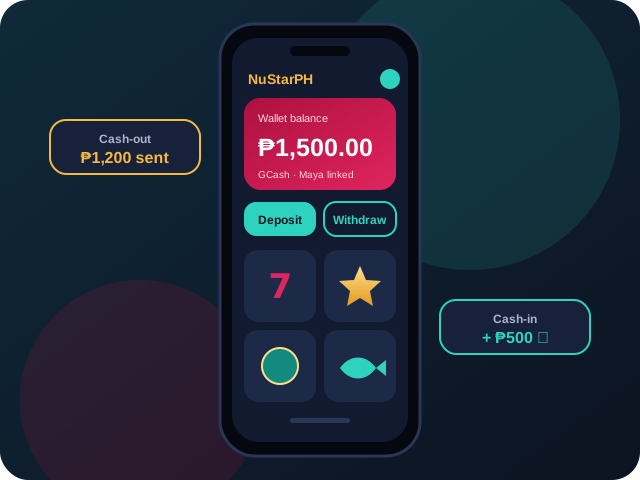
Mobile play is also the easiest way to use e-wallets. See our GCash and Maya cash-in guide for details.
Fixing common NuStarPH login problems
The OTP does not arrive
- Wait 60 seconds before requesting a new code. Multiple requests can cancel each other out.
- Check that your SIM has signal and that your inbox is not full.
- Turn airplane mode on and off to refresh your network connection.
- If you changed numbers, contact the operator’s support team. Do not create a second account.
Forgot password
Use the Forgot Password link on the login screen. You will receive a verification code to reset it. Choose a new password you have never used anywhere else.
Account locked or suspended
Accounts are usually locked after several wrong password attempts, or held during a KYC review. Contact the platform’s official live chat and have your ID ready. Remember that this guide site cannot access or unlock accounts. See our contact page for what we can and cannot help with.
The page will not load
Clear your browser cache, update your browser, switch between Wi-Fi and mobile data, and disable aggressive ad-blockers or VPNs that may interfere with the site.
Your NuStarPH account security checklist
Two-step verification adds a second layer beyond your password. Wikipedia’s overview of multi-factor authentication explains why it blocks most account takeovers. And a golden rule: no legitimate support agent will ever ask for your OTP or password.
Scams that copy well-known casino brands often spread through social media messages promising “guaranteed scatter hacks” or free credits. We debunk these in the myths section of our scatter slots guide.
After you log in
Once you are in, it is worth checking three things: your active promotions (see the bonuses explainer), your deposit limits (see our responsible gaming tips), and which games you want to try, whether that is live baccarat or classic slots. For quick answers, browse the FAQ.
Try NuStarPH today
Put what you learned into practice. Register, set a budget and enjoy the games. 21+ only; please play responsibly.
About the author: George Mann
George writes practical, honest NuStarPH guides for Filipino players, covering slots, live tables, e-wallet payments and safer play. Contact: georgemann@nustarph.live · Editorial policy